
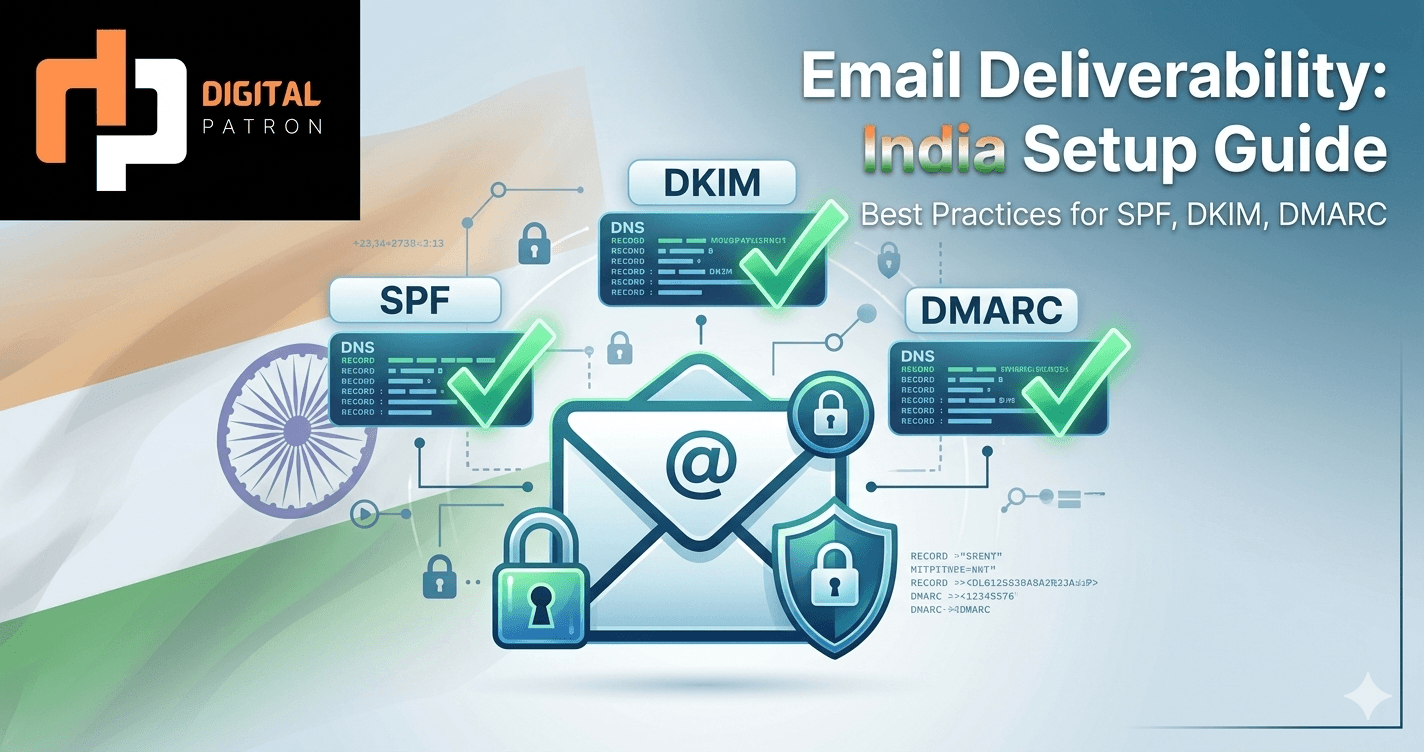
Email Deliverability Checklist for India: DMARC, SPF, DKIM Setup (2026)
Why DMARC, SPF, and DKIM are no longer optional
In 2025, Google and Yahoo implemented strict DMARC alignment requirements for bulk email senders. In 2026, ISPs have tightened enforcement further. Cold email that worked in 2024 is now spam or blocked entirely if you skip the authentication setup.
This is the exact technical checklist we use for every cold email client, whether they're running 100 emails/month or 100K/month. Follow it and you'll hit 92–96% inbox placement with Indian, US, and UK ISPs. Skip it and you'll be asking "why are my emails going to spam?" six weeks in.
The three pillars: SPF, DKIM, DMARC (in order of implementation)
1. SPF (Sender Policy Framework)
SPF tells ISPs: "Only these IP addresses can send email from this domain." Without SPF, any spammer can forge email from your domain and it'll pass basic trust checks.
Setup (5 minutes):
- Go to your domain registrar (GoDaddy, Route53, Namecheap, etc.)
- Find DNS Records / DNS Management
- Add a new TXT record with this format:
v=spf1 include:sendingplatform.com ~all - Replace "sendingplatform.com" with your email platform (Instantly:
include:instantly.com, Smartlead:include:smartlead.com, etc.) - If you're using multiple platforms, chain them:
v=spf1 include:instantly.com include:smartlead.com ~all - Let DNS propagate (usually 30 min to 4 hours)
- Test with: MXToolbox SPF Checker
Common mistake: Using +all instead of ~all. The ~all means "soft fail" (not authoritative), which is what you want for testing. Once confirmed working, you can switch to -all (hard fail), but ~all is safer for multi-vendor setups.
2. DKIM (DomainKeys Identified Mail)
DKIM cryptographically signs every email so ISPs know it really came from you. This is the second authentication layer.
Setup (depends on your platform, but typical flow):
- Log into your email sending platform (Instantly, Smartlead, Zoho Campaigns, etc.)
- Find "Authentication" or "Domain Setup" or "DKIM"
- Click "Verify Domain"
- The platform generates a DKIM record (something like
selector1._domainkey.yourdomain.com) - Go to your DNS registrar and add this as a CNAME or TXT record
- Wait for DNS propagation and click "Verify" in the platform
- The platform will confirm DKIM is live
For multi-domain setups: Create a separate DKIM record for each sending domain in your cold email infrastructure. If you're running 8 domains with 4 mailboxes each (32 sending mailboxes total), you'll have 8 DKIM records, one per domain.
3. DMARC (Domain-based Message Authentication, Reporting, and Conformance)
DMARC is the policy layer: "If an email claims to be from this domain but fails SPF or DKIM, here's what to do." DMARC also generates reports so you can monitor alignment.
Setup:
- Go to your DNS registrar
- Add a TXT record at
_dmarc.yourdomain.comwith this initial policy:v=DMARC1; p=none; rua=mailto:dmarc@yourdomain.com; ruf=mailto:dmarc@yourdomain.com p=nonemeans "don't reject, just monitor." Use this for the first 1–2 weeks to ensure SPF/DKIM alignment is working.- After confirming alignment is solid, upgrade to
p=quarantine(questionable email goes to spam folder) orp=reject(ISP refuses the email). - The
ruaandrufaddresses are where DMARC reports go (aggregated and forensic). Monitor these to catch deliverability issues early.
Recommended progression:
- Week 0–1:
p=none(monitor only, do not take action) - Week 1–2:
p=quarantine(questionable email soft-fails) - Week 2+:
p=reject(full enforcement; do this only after confirming alignment)
The warm-up timeline: 6 weeks before production volume
You have 8 sending domains with 4 mailboxes each (32 mailboxes total). Do not send 100K emails in week 1. ISPs will blacklist you and recovery takes 4–6 weeks.
The warm-up schedule:
- Week 0: SPF + DKIM + DMARC records live. Send 0 emails. Just verify DNS is propagated.
- Week 1: Warm-up phase. Send 20–50 emails/day per domain (roughly 160–400/day across 8 domains) to high-reputation inboxes (Gmail, Outlook, Yahoo accounts of your team members, friends, etc.). The goal is ISP reputation building, not lead generation. Tools like Instantly have built-in warm-up modules — use them.
- Week 2–3: Increase to 100–200 emails/day per domain (~800–1.6K/day total). Still warm-up lists, not real outreach.
- Week 4–5: Increase to 300–500 emails/day per domain (~2.4K–4K/day total). Start mixing in 30% real prospect lists, 70% warm-up.
- Week 6+: Full production volume. You're now at 92–96% inbox placement across ISPs. Real outreach lists are safe.
Why this matters: Two teams with identical domains and copy will see different delivery rates if one did 6-week warm-up and the other skipped it. The warm-up team hits 95%+ placement. The skippers hit 40–60% placement.
Monitoring: Weekly checks for the first 12 weeks
- Gmail Postmaster Tools: Log into your Gmail account used for sending and check Postmaster Tools (postmaster.google.com). You'll see your domain's reputation, feedback loops, IP reputation, etc. Issues show up here first.
- DMARC reports: Check your DMARC report inbox weekly for "forensic" (ruf) reports — these are unauthenticated emails claiming to be from your domain. They should be near-zero in week 1–2 if SPF/DKIM is correct.
- Bounce rate: Hard bounces (invalid email addresses) should be 2–4%. Higher indicates a bad list. Soft bounces (mailbox full, temporary rejection) should be 3–7%. Higher indicates an ISP throttling you.
- Complaint rate: Spam complaints should be <0.1% (1 complaint per 1,000 emails). If you're seeing 0.3%+, your content is probably low-quality or your list is stale.
If you've already been blacklisted (RBL recovery)
If you skipped the warm-up and your IP/domain is now blacklisted, here's the recovery plan:
- Check your status: MXToolbox RBL Lookup. List all blacklist services that have listed you.
- Stop sending immediately. Every email from a blacklisted IP reinforces the listing.
- Request delisting from each blacklist. Most have a web form where you can request removal (takes 24–48 hours).
- Start fresh with a new IP (if you control your infrastructure) or rotate to a new sending platform. If you're using Instantly/Smartlead, they manage IPs for you — blacklist recovery is their problem.
- Do the 6-week warm-up process again, this time properly.
The one-page checklist
- ☐ SPF record added and verified (
v=spf1 include:[platform] ~all) - ☐ DKIM record added for each domain and verified
- ☐ DMARC record added (
p=noneinitially) - ☐ Week 1–6: Warm-up schedule tracked (ramp volume incrementally)
- ☐ Gmail Postmaster Tools configured
- ☐ DMARC report inbox monitored (weekly)
- ☐ List hygiene: no role accounts, no known spam traps, email validation tool used
- ☐ Complaint rate <0.1%, bounce rate 2–7%
- ☐ First booked meeting within 3 weeks of warm-up (go/no-go signal)
Still struggling with deliverability? Book a 30-min infrastructure audit. We'll review your DNS, warm-up history, and ISP reputation and tell you exactly what's blocking your emails — and how to fix it in 72 hours.